
Checks
Strength and fit,
checked in place.
Lode checks the design with the parts around it and shows the value, the limit and the result.
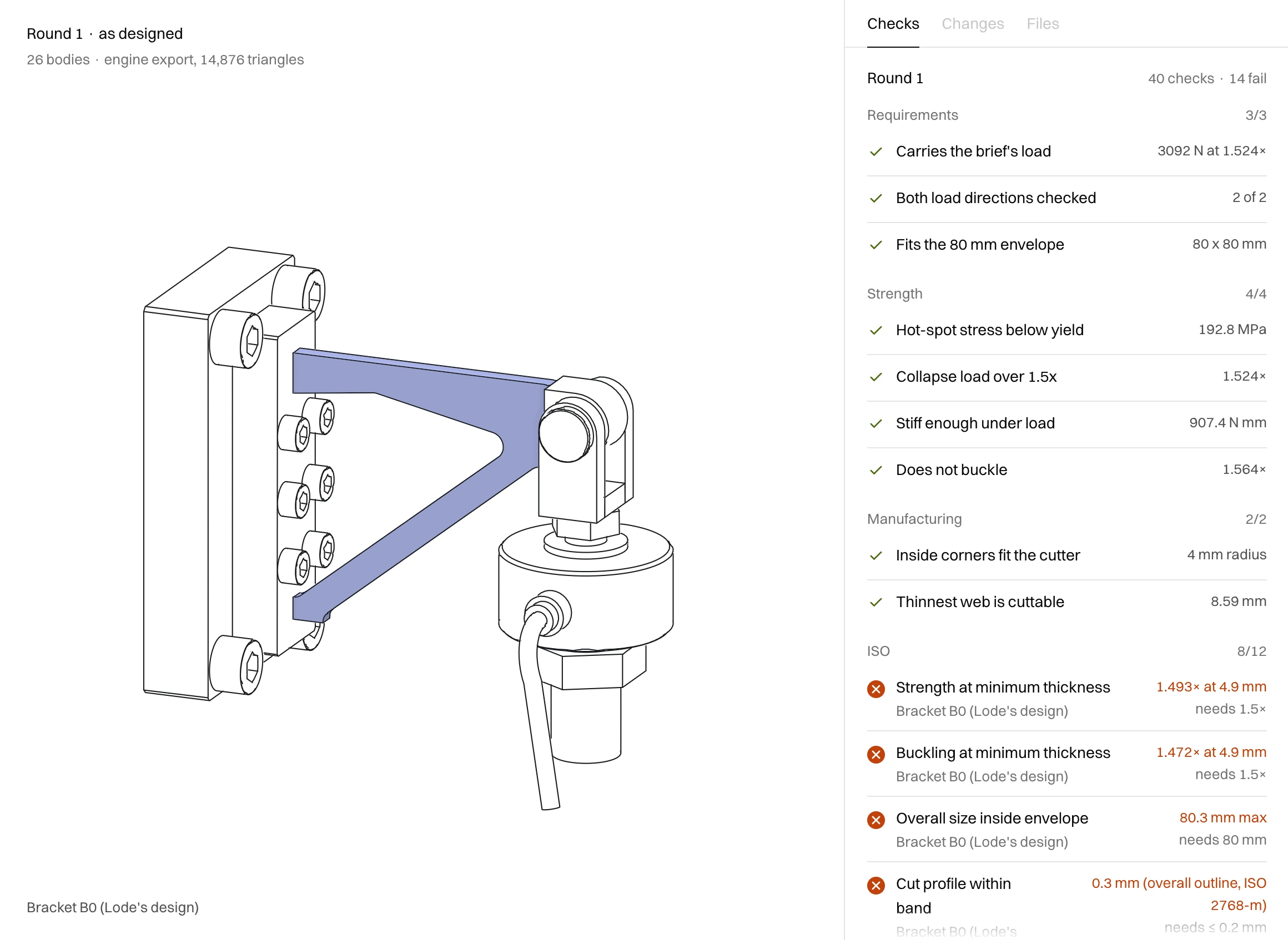
01
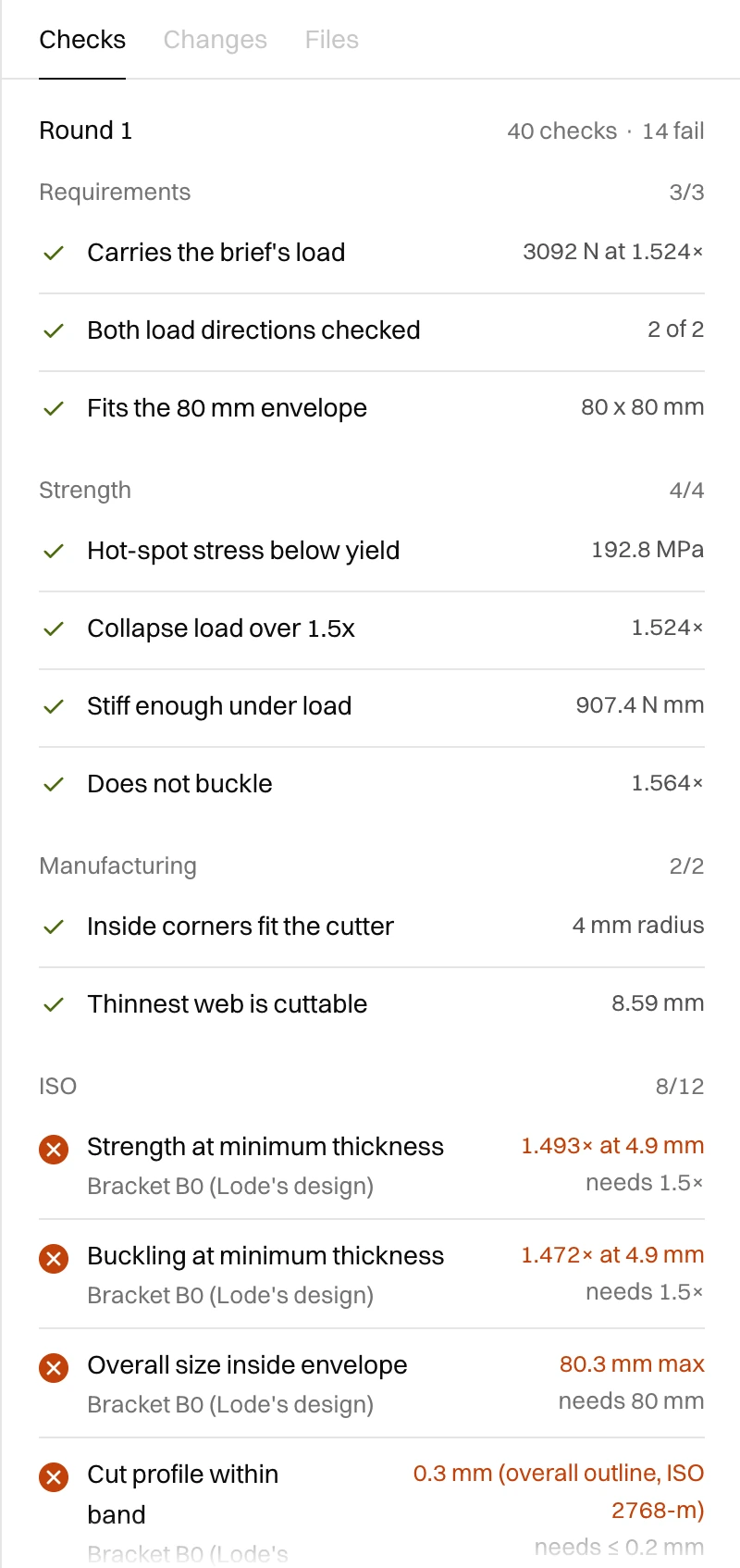
Checks by group
Requirements, strength, manufacturing and the standards the drawing calls up, grouped and counted.
02
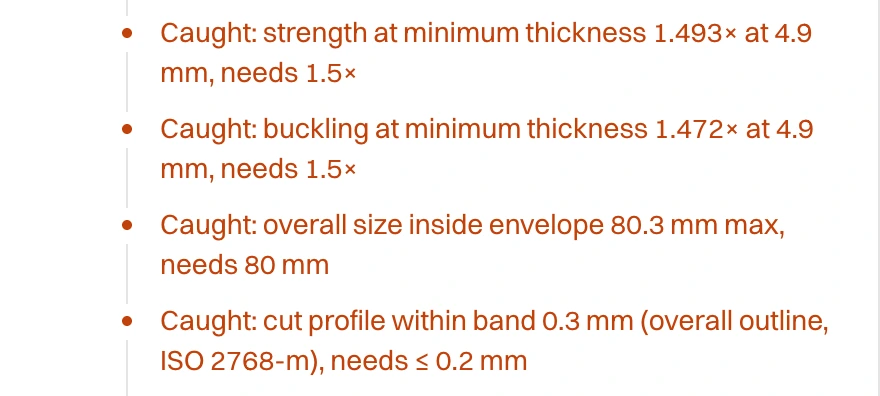
Shows you what failed
Each caught line says what failed, by how much and on which part. Point at one and that part lights up in the assembly.
03
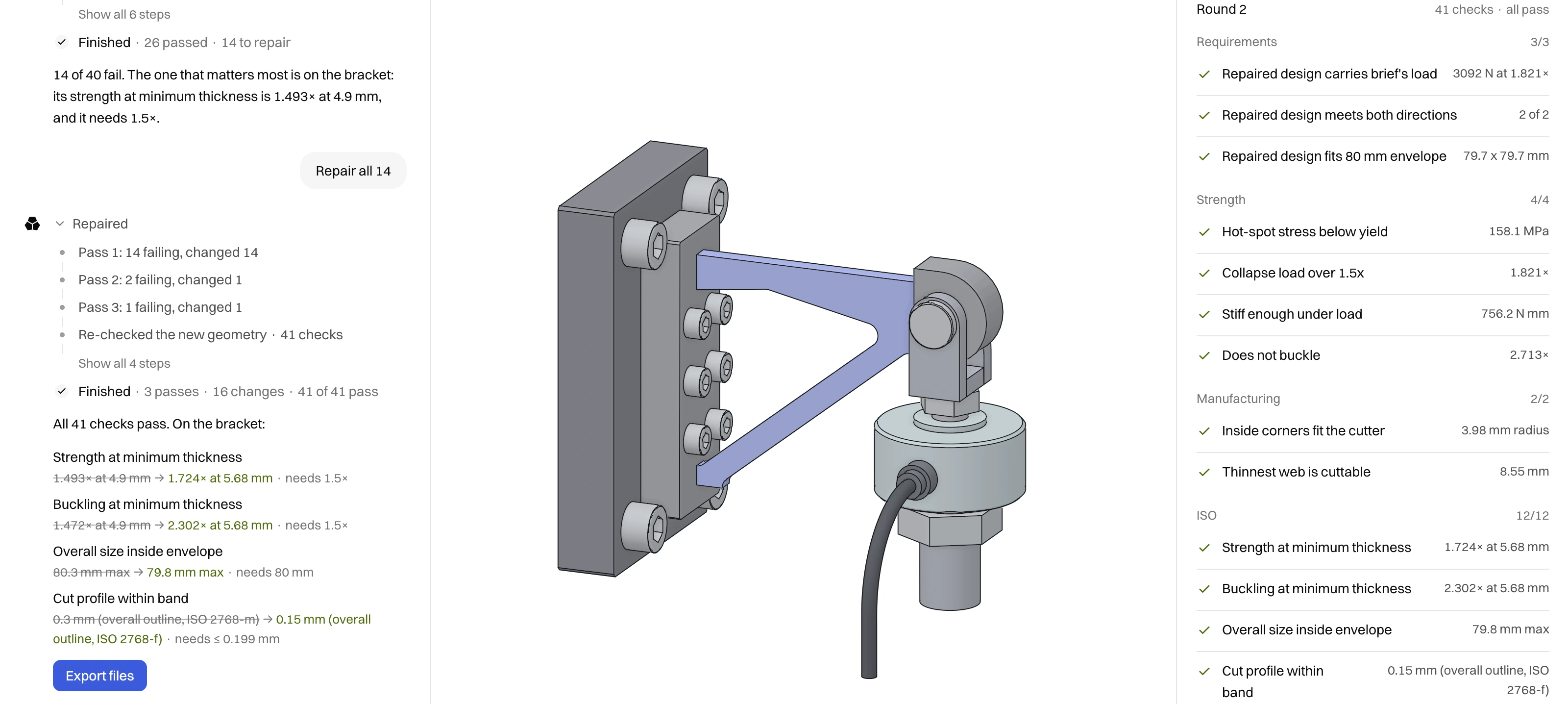
Repairs, then checks again
Lode applies the repairs its failing checks propose, then checks the new geometry again. If a repair can’t fix a check, Lode stops and lists the checks still failing.
04
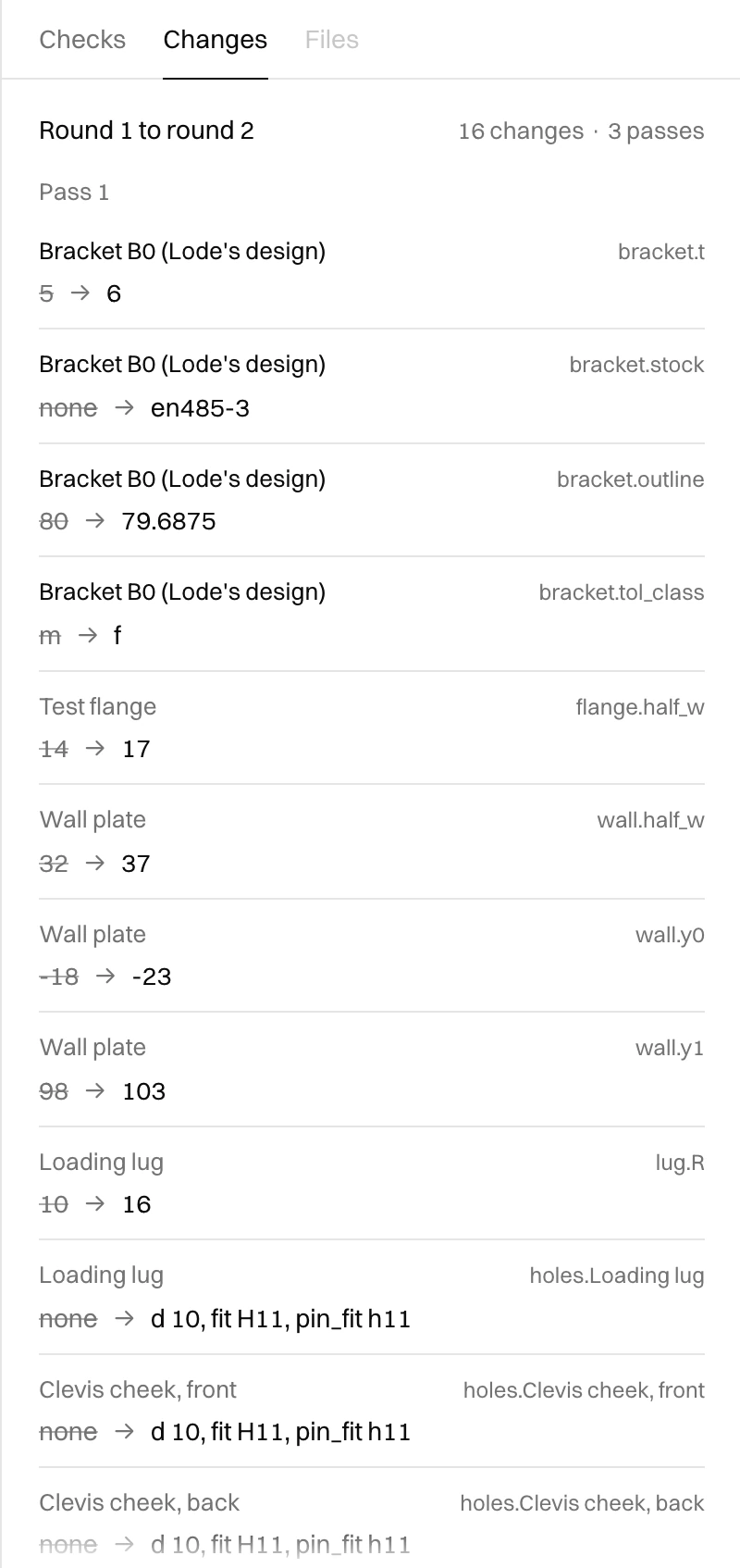
The repair, line by line
Each change names the part, the feature and the value before and after.
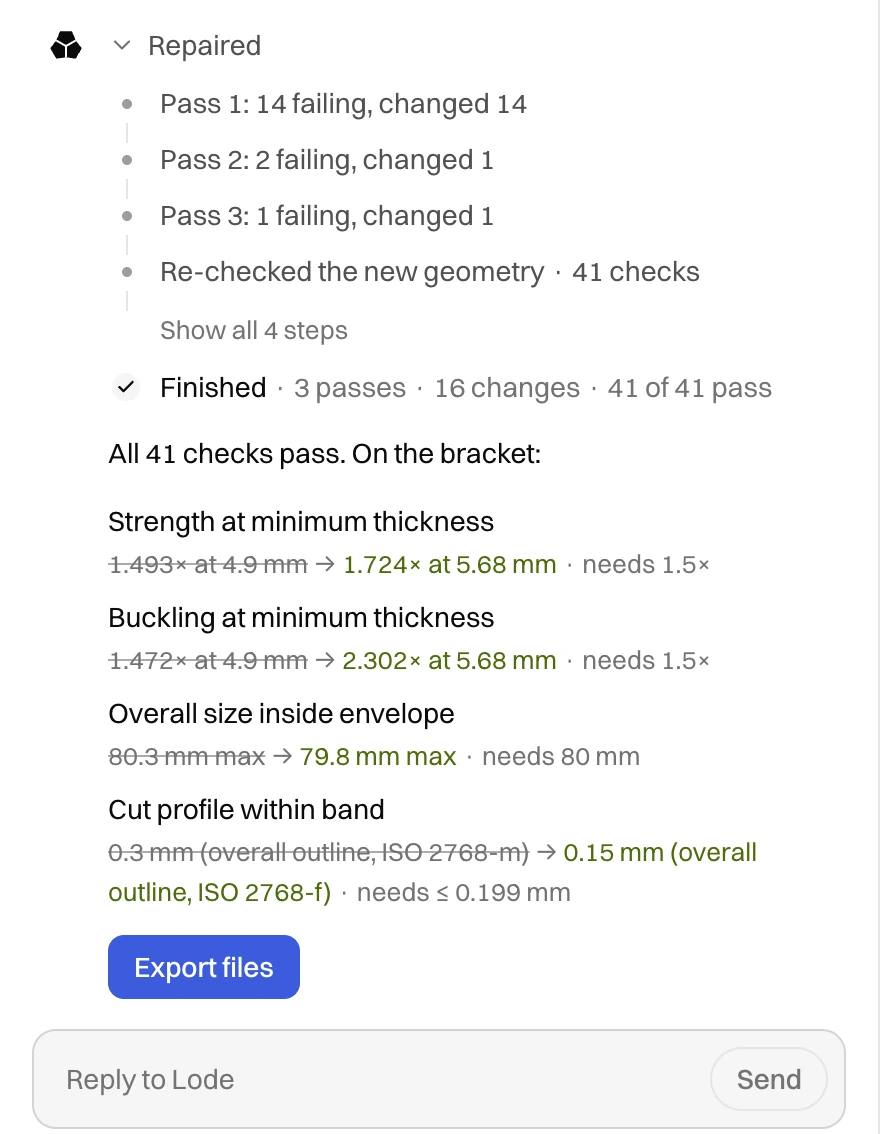
Old values struck through
Repaired values beside the old ones.
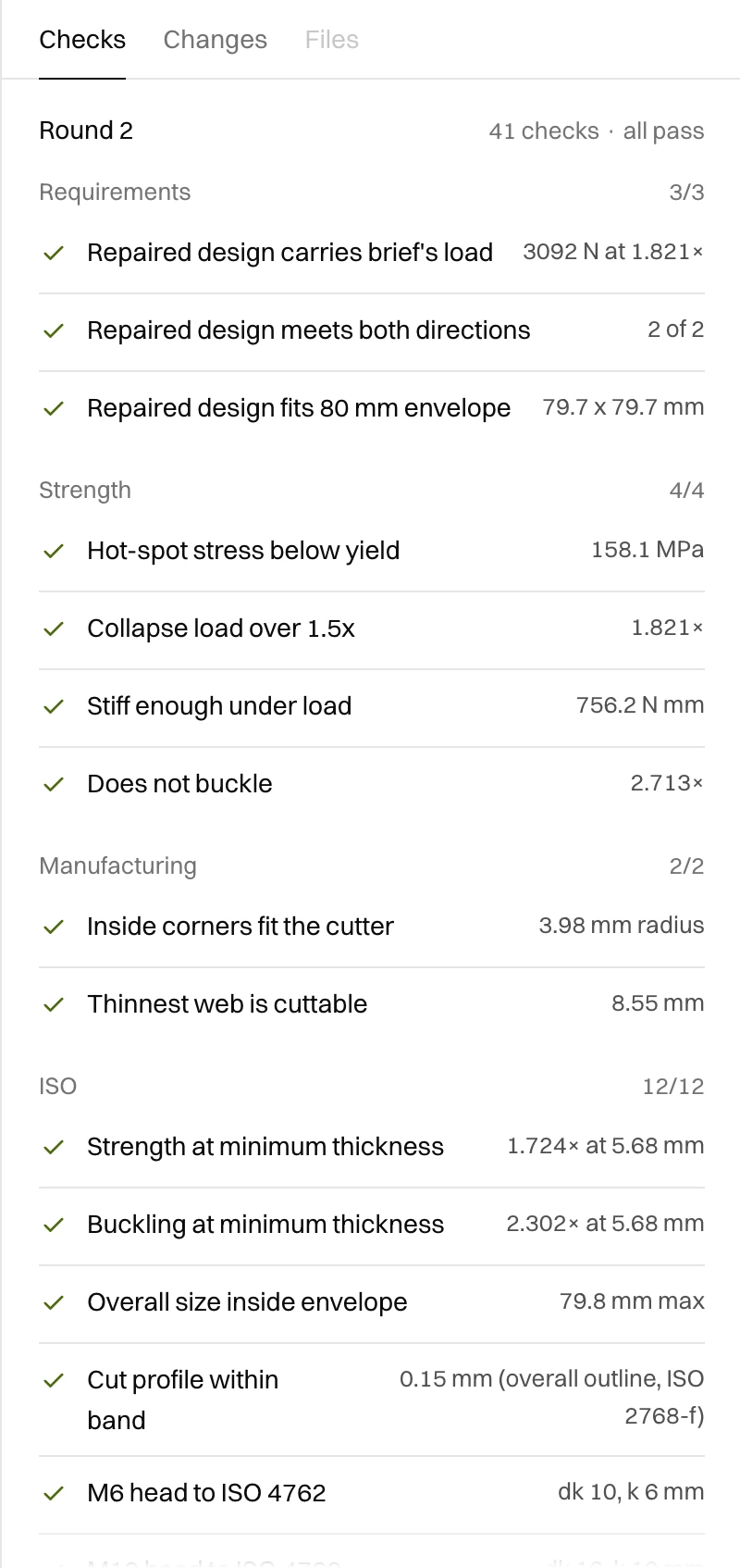
The last round
The checks of the last round, on the repaired design.
More from Lode
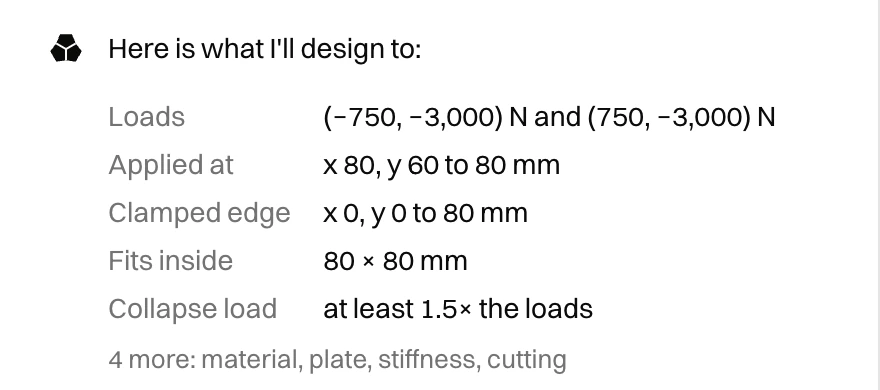
Designs from a sentence
Write the brief the way you would for a colleague. Lode sizes the part to carry its load and asks for anything missing.
Explore
Asks what’s missing
When the brief leaves out an input, Lode asks and proposes a value.
Explore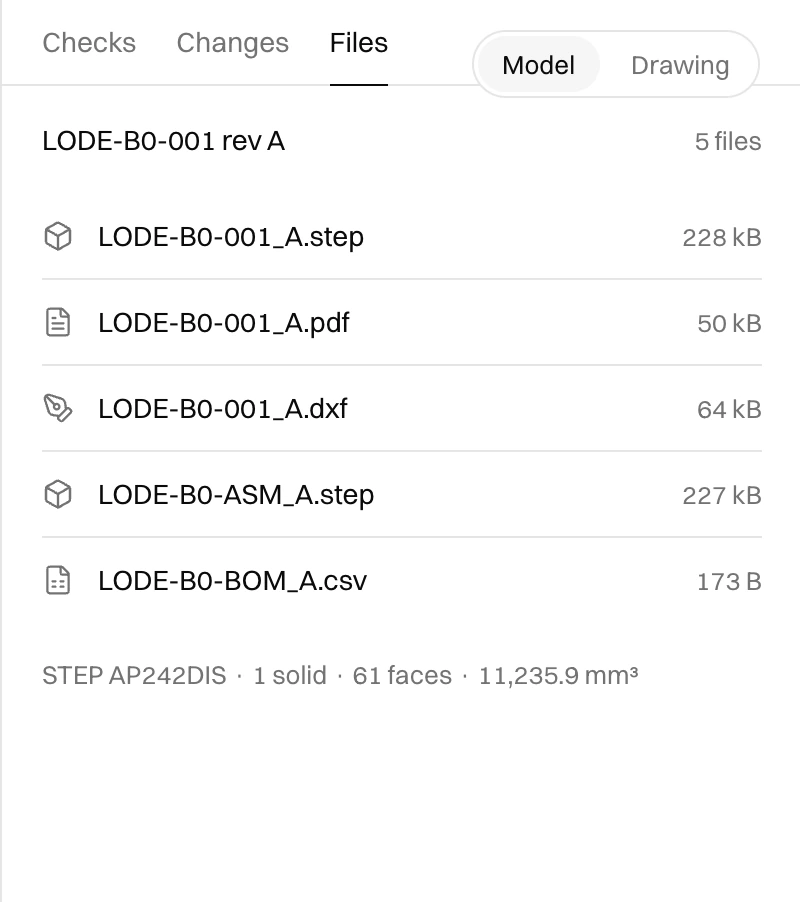
Writes the CAD
Brackets, beams and flexures get a STEP model, a drawing and a bill of materials.
Explore